
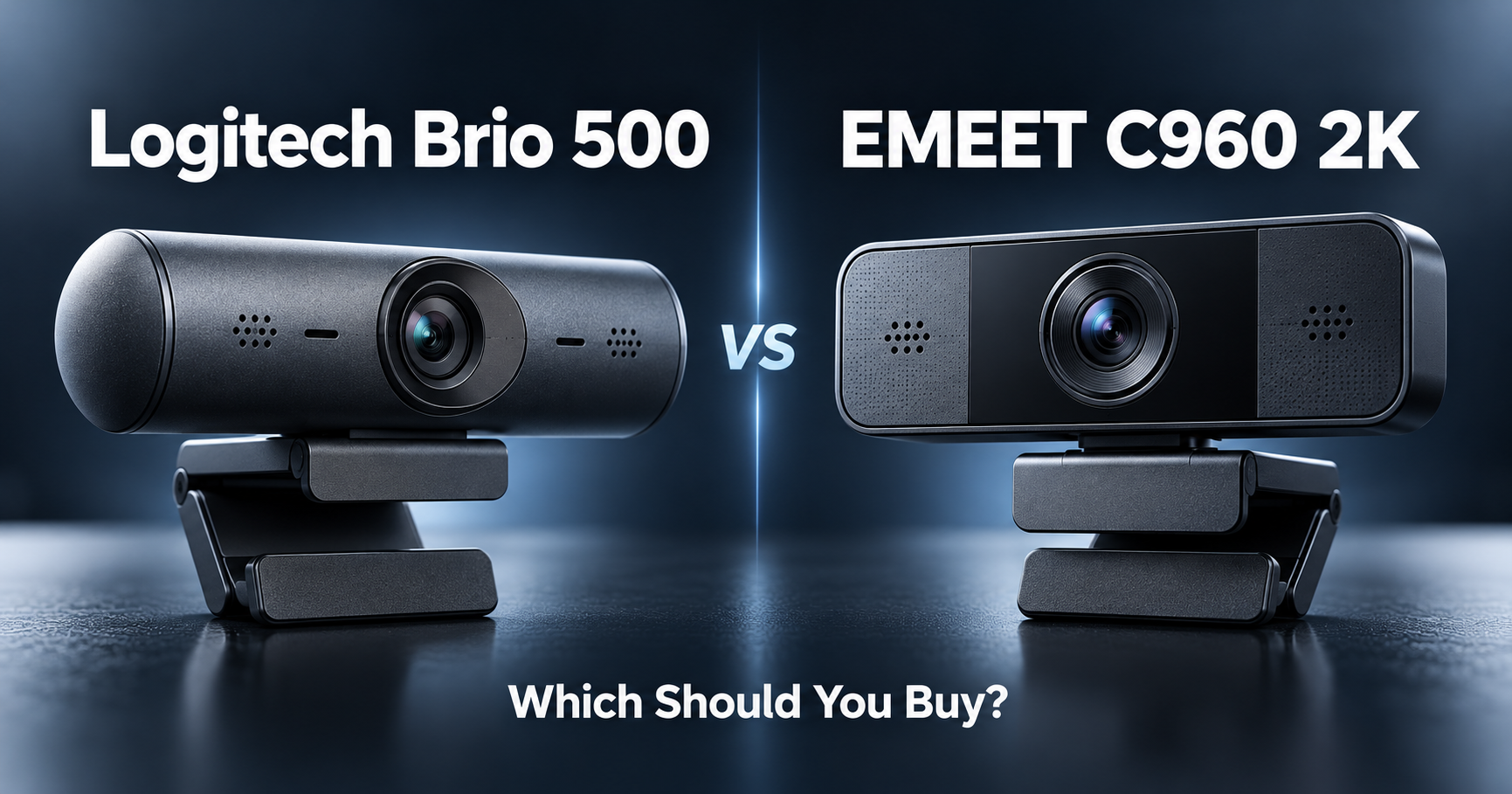
Logitech Brio 500 vs EMEET C960 2K ?
Both are webcams designed for video meetings, online classes, interviews, remote work, and everyday communication.
But they take very different approaches.
The Logitech Brio 500 focuses on premium meeting features such as automatic framing, HDR light correction, adjustable field of view, and Show Mode.
The EMEET C960 2K focuses on something simpler:
higher 2K resolution at a much lower price.
Here is the short answer:
Get the Logitech Brio 500 if you want better meeting features, smarter framing, stronger software controls, and a more polished overall experience.
Get the EMEET C960 2K if you mainly want sharp video quality without spending much money.
For most graduate students who simply need a better camera for Zoom, Teams, presentations, or interviews, the EMEET offers excellent value.
For frequent professional meetings, teaching, presentations, or job interviews, the Brio 500 is the more refined webcam.
If you are still comparing options, see our best webcams for graduate students.
Table of Contents
Quick Comparison
| Logitech Brio 500 | EMEET C960 2K | |
|---|---|---|
| Maximum resolution | 1080p / 30fps | 2K / 30fps |
| 60fps mode | 720p / 60fps | No |
| Autofocus | Yes | Yes |
| Field of view | 65° / 78° / 90° adjustable | 73° |
| Auto framing | Yes | No |
| HDR / light correction | RightLight 4 with HDR | Auto light correction |
| Digital zoom | 4x | Software dependent |
| Built-in microphones | Dual beamforming | Dual noise-canceling |
| Privacy shutter | Integrated | Physical privacy cover |
| Connection | USB-C | USB-A |
| Show Mode | Yes | No |
| Tripod support | Yes | Yes |
| Best for | Premium video meetings | Budget 2K video |
The Brio 500 supports 1080p at 30fps or 720p at 60fps, three field-of-view settings, 4x digital zoom, autofocus, RightLight 4 with HDR, and RightSight automatic framing through Logi Tune.
The C960 2K records at 2K/30fps with autofocus, a 73° field of view, dual microphones, automatic light correction, a physical privacy cover, and USB-A connectivity.
Video Quality
EMEET wins on resolution
The most obvious advantage of the C960 2K is right in its name.
It supports 2K video at 30fps.
That gives it more image detail than the Brio 500’s maximum 1080p resolution.
For a typical desk setup, that can help your image look sharper during:
Zoom calls,
online presentations,
research meetings,
job interviews,
and recorded presentations.
If your main requirement is simply:
“I want my webcam to look noticeably better than my laptop camera.”
the EMEET makes a lot of sense.
Brio 500 prioritizes processing instead
The Brio 500 tops out at 1080p/30fps, or 720p at 60fps.
On paper, that looks worse.
But resolution is only one part of webcam quality.
Logitech puts more emphasis on:
lighting,
framing,
HDR,
field of view,
exposure,
and software control.
That can make the Brio 500 look more consistent across different rooms and lighting conditions even though its raw resolution is lower.
More pixels → EMEET C960 2K
More sophisticated image processing → Logitech Brio 500
Lighting and Low-Light Performance
Brio 500 has the stronger feature set
The Brio 500 uses Logitech’s RightLight 4 with HDR.
It automatically adjusts the image to compensate for different lighting conditions, including challenging situations such as bright windows or darker rooms.
This is particularly useful for students whose desks are not perfectly lit.
Maybe your webcam faces:
a window,
a desk lamp,
a dark bedroom,
or changing daylight throughout the day.
The Brio 500 is designed to handle those situations automatically.
EMEET also has automatic correction
The C960 2K includes automatic light correction, exposure, white balance, and backlight compensation.
That is more than enough for ordinary video calls.
But it does not offer the same HDR-focused system as the Logitech.
If your room already has decent lighting, the difference may not matter much.
If your lighting changes constantly:
Brio 500 has the advantage.
If you want to improve your setup further, see our best monitor light bars for graduate students.
Auto Framing and Field of View
This is one of the Brio 500’s biggest advantages.
Brio 500 can follow you
With Logitech’s RightSight feature, the Brio 500 can automatically keep you centered as you move.
This requires Logi Tune software, but it can be useful when you:
move during presentations,
teach online,
stand up during a call,
or frequently shift position at your desk.
It also lets you choose between:
65°
78°
and
90°
field-of-view settings.
That gives you much more control over how much of your room appears behind you.
EMEET keeps things simple
The C960 2K uses a fixed 73° field of view.
That is actually a sensible angle for personal video calls.
It is wide enough to show your upper body without exposing too much of the room behind you.
But you do not get the same flexibility.
Flexible framing → Logitech Brio 500
Simple one-person framing → EMEET C960 2K
Microphone Quality
Both webcams include two microphones.
The Brio 500 uses dual beamforming microphones, with Logitech specifying a pickup range of around 1.22 meters.
The C960 2K uses two noise-canceling microphones with a stated pickup distance of up to 8 feet, or about 2.4 meters.
For casual meetings, either should work.
But if audio quality matters for:
presentations,
interviews,
podcasts,
recordings,
or frequent professional calls,
a dedicated microphone or headset will still sound better than almost any built-in webcam microphone.
See our best USB microphones for graduate students if audio quality matters as much as video.
Show Mode
Logitech has a genuinely useful trick
The Brio 500 includes Show Mode.
You can tilt the webcam downward to show something physically sitting on your desk. Logitech designed the feature for showing sketches, objects, documents, or work in progress during calls.
For graduate students, this could actually be useful.
You might want to show:
a circuit board,
printed paper,
handwritten calculations,
a prototype,
a lab component,
or notes.
Instead of picking up your laptop or webcam and awkwardly pointing it toward the desk, the Brio 500 is designed around this movement.
The C960 2K does not have an equivalent dedicated feature.
Best choice: Logitech Brio 500
Privacy
Both webcams handle privacy well.
Brio 500
The Brio 500 has an integrated privacy shutter.
You rotate the control and physically block the camera lens.
That is cleaner than keeping a separate accessory around.
EMEET C960 2K
EMEET also provides a physical privacy cover that can block the lens when the camera is not being used.
So there is no meaningful reason to choose one over the other purely for privacy.
Best choice: Either
USB-C vs USB-A
This difference matters more than it first appears.
Brio 500 uses USB-C
The Logitech has a 1.5-meter attached USB-C cable.
That is ideal for many modern laptops.
But if your computer only has USB-A ports, you may need an adapter or hub.
EMEET C960 2K uses USB-A
The EMEET uses USB-A and a 1.5-meter cable.
That works well with:
desktop PCs,
older laptops,
lab computers,
and many existing monitors or docks.
But modern USB-C-only laptops may require a hub.
If your laptop is short on ports, see our best USB-C hubs for graduate students.
Neither connection is universally better.
Check your computer before buying.
Software and Setup
EMEET is straightforward
The C960 2K is essentially plug-and-play.
You can connect it and start using it with major video platforms without installing software.
EMEETLINK is available if you want additional configuration options.
For someone who does not want to configure anything, that is appealing.
Logitech offers more control
The Brio 500 also works as a normal plug-and-play webcam, but Logi Tune unlocks several of its more advanced features.
That includes:
field-of-view control,
zoom,
image adjustments,
automatic framing,
and firmware updates.
The tradeoff is simple:
EMEET → fewer things to configure
Logitech → more customization
Which Is Better for Online Classes and Meetings?
EMEET is enough for most students
For normal:
Zoom meetings,
Teams calls,
research group meetings,
online lectures,
and casual presentations,
the C960 2K gives you the things that matter most:
sharp video,
autofocus,
built-in microphones,
light correction,
and a privacy cover.
You probably do not need anything more.
Brio 500 is better for frequent meetings
If you regularly appear on camera for:
teaching,
professional meetings,
research collaborations,
conference calls,
or interviews,
the Logitech’s extra features begin to matter more.
Automatic framing, adjustable FOV, HDR processing, and better software control all help create a more polished setup.
Which Is Better for Graduate Students?
For most students: EMEET C960 2K
The C960 2K hits the right balance for a typical graduate student.
You get:
2K resolution,
autofocus,
dual microphones,
automatic lighting adjustment,
a privacy cover,
and simple plug-and-play operation.
Unless you spend hours every week on professional video calls, that may be all you need.
For frequent presentations: Logitech Brio 500
The Brio 500 makes more sense if video meetings are a major part of your work.
Features such as:
RightSight auto framing,
RightLight 4 HDR,
adjustable field of view,
Show Mode,
and Logi Tune
make it much more flexible.
It is not about having more resolution.
It is about having more control.
The Easiest Way to Decide
| Your situation | Buy this |
|---|---|
| I want 2K resolution | EMEET C960 2K |
| I want the cheaper option | EMEET C960 2K |
| I mostly use Zoom and Teams | EMEET C960 2K |
| I want simple plug-and-play use | EMEET C960 2K |
| I want automatic framing | Logitech Brio 500 |
| I want adjustable field of view | Logitech Brio 500 |
| My lighting is difficult | Logitech Brio 500 |
| I present objects on my desk | Logitech Brio 500 |
| I want 720p at 60fps | Logitech Brio 500 |
| I want advanced software controls | Logitech Brio 500 |
| I have USB-C ports | Brio 500 is convenient |
| I mainly have USB-A ports | C960 2K is convenient |
So, Which Should You Buy?
Buy the Logitech Brio 500 if:
You attend video meetings frequently.
You want automatic framing.
You want HDR light correction.
You want adjustable field of view.
You want Show Mode.
You frequently teach or present online.
You want more control through webcam software.
Buy the EMEET C960 2K if:
You want better value.
You want 2K resolution.
You mainly use your webcam for ordinary meetings.
You want autofocus without paying for premium features.
You want simple USB-A connectivity.
You do not need automatic framing.
Final Thoughts
The Logitech Brio 500 and EMEET C960 2K take two very different approaches to improving your video calls.
The EMEET focuses on the basics.
It gives you 2K resolution, autofocus, dual microphones, automatic lighting adjustment, and physical privacy protection in a simple package.
The Logitech focuses on experience.
Its resolution is lower, but features such as RightLight 4 HDR, RightSight auto framing, adjustable field of view, Show Mode, and Logi Tune controls make it much more versatile.
So the simple answer is:
Want sharp video at a lower cost → EMEET C960 2K.
Want smarter meeting features and more control → Logitech Brio 500.
Still comparing webcams?
See our best webcams for graduate students.