
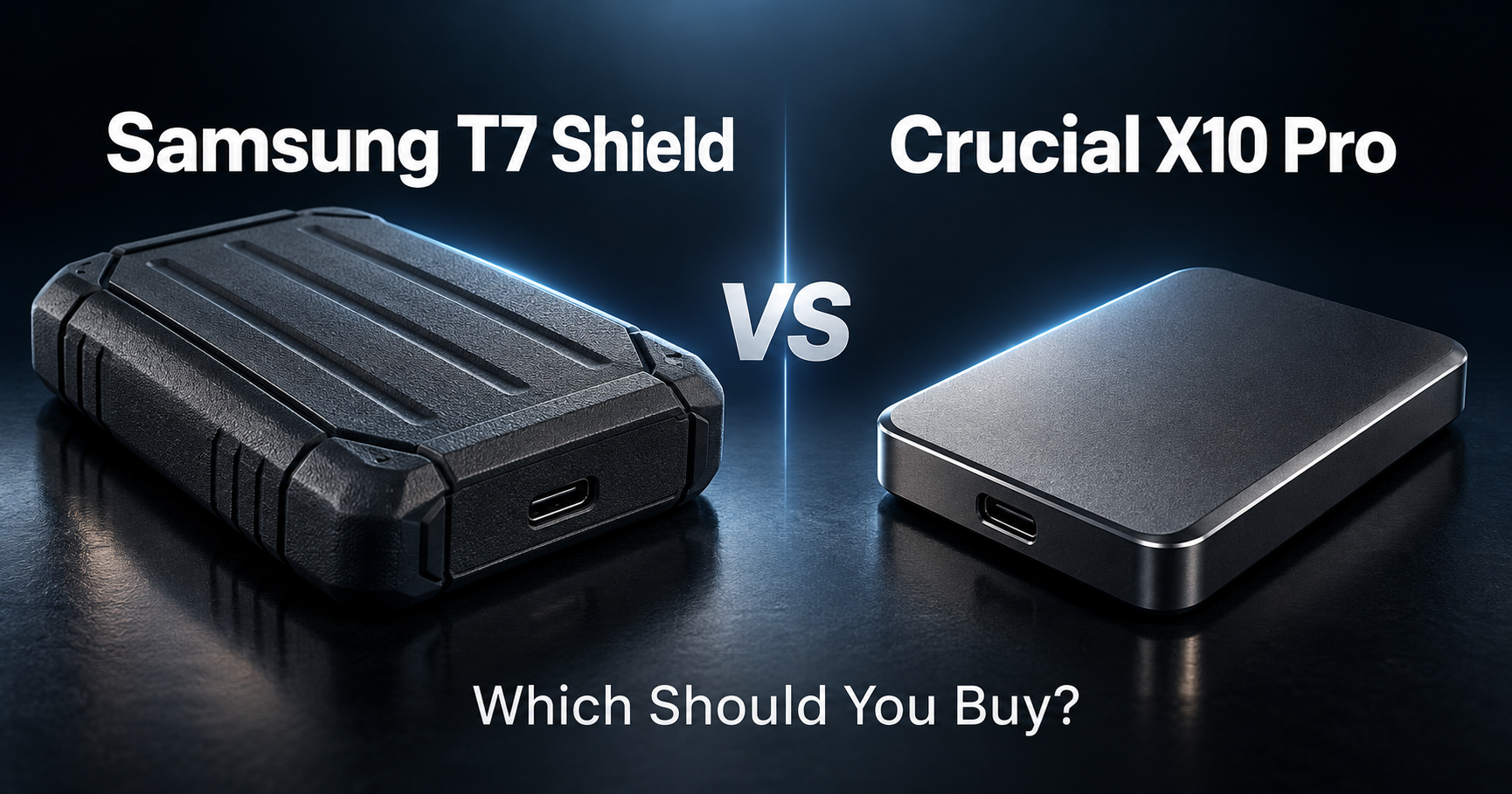
Samsung T7 Shield vs Crucial X10 Pro
Both are portable SSDs designed for people who need fast external storage without carrying a bulky hard drive.
Both are also rugged enough to travel between home, university, the lab, conferences, and other workspaces.
But they prioritize different things.
Here is the short answer:
Get the Samsung T7 Shield if you want a rugged, simple, broadly compatible portable SSD that is fast enough for most graduate-school work.
Get the Crucial X10 Pro if you regularly move very large files and your computer supports USB 3.2 Gen 2×2 at 20Gbps.
The biggest difference is speed.
The Samsung T7 Shield is rated for up to 1,050MB/s reads and 1,000MB/s writes over USB 3.2 Gen 2.
The Crucial X10 Pro is rated for up to 2,100MB/s reads and 2,000MB/s writes over USB 3.2 Gen 2×2.
So on compatible hardware, the Crucial can be roughly twice as fast.
But raw speed is not the only thing that matters.
If you are still comparing other options, see our best external SSDs for graduate students.
Table of Contents
Quick Comparison
| Samsung T7 Shield | Crucial X10 Pro | |
|---|---|---|
| Maximum read speed | 1,050MB/s | 2,100MB/s |
| Maximum write speed | 1,000MB/s | 2,000MB/s |
| Interface | USB 3.2 Gen 2 | USB 3.2 Gen 2×2 |
| Interface bandwidth | 10Gbps | 20Gbps |
| Water / dust rating | IP65 | IP55 |
| Drop resistance | Up to 3m | Up to 2m |
| Capacity options | 1TB / 2TB / 4TB | 1TB / 2TB / 4TB |
| Hardware encryption | AES 256-bit | Password protection / security tools |
| Included cable | USB-C to C + USB-C to A | USB-C to C |
| Best for | Rugged everyday storage | Maximum transfer speed |
| Main advantage | Durability and simplicity | Performance |
Samsung rates the T7 Shield at IP65 and drop resistance up to 3 meters, while Crucial rates the X10 Pro at IP55 and up to 2 meters of drop resistance.
Speed and Performance
Crucial X10 Pro is much faster — if your computer supports it
This is the biggest reason to buy the X10 Pro.
Its USB 3.2 Gen 2×2 connection provides up to 20Gbps of interface bandwidth.
Crucial rates it at:
Up to 2,100MB/s read
Up to 2,000MB/s write
That makes it fast enough for much more demanding work than ordinary document storage.
For example:
large research datasets,
4K video,
RAW photo libraries,
microscopy images,
simulation output,
virtual machines,
or regularly transferring hundreds of gigabytes.
If you spend a lot of time waiting for large folders to copy, the extra performance can matter.
T7 Shield is still fast enough for most students
The T7 Shield uses USB 3.2 Gen 2 at 10Gbps and is rated for up to:
1,050MB/s read
1,000MB/s write.
That is still extremely fast compared with traditional external hard drives.
For:
PDF libraries,
research papers,
Office files,
code,
PowerPoint presentations,
photos,
backups,
and ordinary project folders,
I would not consider the T7 Shield slow.
Maximum performance → Crucial X10 Pro
Normal graduate-school storage → Either
The USB Port Matters More Than You Think
This is the most important detail in the whole comparison.
Buying the X10 Pro does not automatically mean you will get 2,100MB/s.
To reach full performance, your computer needs to support USB 3.2 Gen 2×2 at 20Gbps.
Crucial explicitly notes that full Gen 2×2 performance requires a compatible USB-C host device.
If your laptop only provides 10Gbps USB, the X10 Pro cannot use its full performance.
In that situation, you may be paying extra for speed you cannot actually access.
The T7 Shield is simpler.
Its maximum performance is built around the much more common 10Gbps USB 3.2 Gen 2 interface.
So before buying the X10 Pro, check the specifications of your laptop.
If you see:
USB 3.2 Gen 2×2 / 20Gbps
the Crucial becomes much more attractive.
If you only see:
USB 3.2 Gen 2 / 10Gbps
the T7 Shield may make more sense.
Ruggedness and Travel
Samsung T7 Shield wins
This is where Samsung earns the “Shield” name.
The T7 Shield has an IP65 rating, meaning it is designed to resist dust and water jets under the conditions used for the rating.
Samsung also rates it for drops of up to 3 meters.
That makes it particularly attractive if your SSD regularly travels in:
a backpack,
camera bag,
lab equipment case,
suitcase,
or conference bag.
The rubberized exterior also makes the drive feel more suited to rough daily use.
Crucial is still durable
The X10 Pro is not fragile.
Crucial gives it an IP55 rating and rates it for drops of up to 2 meters onto a carpeted surface without data impact.
It also uses an anodized aluminum design with a rubberized soft-touch base.
So the X10 Pro is still a travel-oriented SSD.
Samsung simply goes further.
Best choice: Samsung T7 Shield
Size and Portability
Both drives are genuinely portable.
Samsung’s T7 Shield measures about 59 × 88 × 13 mm and weighs approximately 98g.
The X10 Pro uses a much more compact 65 × 50 mm body.
The Crucial therefore feels more like a tiny drive you can keep permanently in a tech pouch.
The Samsung is still small, but its rugged housing makes it physically larger.
If you are trying to minimize the amount of equipment in your laptop bag:
Best choice: Crucial X10 Pro
If you care more about protection than absolute size:
Best choice: Samsung T7 Shield
Which One Is Better for Research Data?
Large datasets: Crucial X10 Pro
If your work involves regularly transferring:
large MATLAB datasets,
simulation results,
machine-learning datasets,
high-resolution imaging,
large video files,
or hundreds of gigabytes at a time,
the X10 Pro has the more compelling performance.
On a compatible 20Gbps system, it can theoretically approach twice the sequential speed of the T7 Shield.
That can turn a noticeable file-transfer wait into a much shorter one.
Documents, code, papers, and backups: Samsung T7 Shield
If your SSD mainly holds:
research papers,
Python projects,
PowerPoint files,
documents,
datasets measured in a few gigabytes,
and general backups,
you probably will not benefit much from paying specifically for 2,000MB/s-class transfer speeds.
In that case, I would rather have the extra durability of the Samsung.
Heavy data workflows → X10 Pro
Typical graduate-school storage → T7 Shield
Photo, Video, and Creative Work
Crucial X10 Pro has the performance advantage
Crucial specifically positions the X10 Pro as fast enough to edit directly from the drive.
Its rated 2,100/2,000MB/s sequential performance gives it a clear advantage for large media projects.
That makes it better suited to:
4K video,
large RAW photo collections,
high-resolution research imaging,
creative project files,
and other bandwidth-heavy workloads.
If your graduate work overlaps with photography, filmmaking, imaging, or creative production, I would choose the X10 Pro — assuming your computer supports its faster interface.
T7 Shield still works well for lighter media work
1,050MB/s is already enough for a lot of normal photo and video workflows.
You do not automatically need a 20Gbps SSD just because you sometimes edit video.
The difference matters most when the files become very large or you regularly transfer them.
Compatibility and Included Cables
Both drives work across a broad range of devices.
Crucial lists compatibility with:
Windows,
macOS,
Linux,
Android,
iPad,
PlayStation,
Xbox,
and selected cameras.
Samsung also positions the T7 Shield for use with PCs, Android devices, and game consoles.
Samsung has a useful cable advantage
The T7 Shield includes:
USB-C to USB-C
and
USB-C to USB-A
cables.
That is useful if you still use older computers or lab equipment with traditional USB-A ports.
The X10 Pro includes a USB-C to USB-C cable, while a USB-A adapter is separate.
For a modern USB-C-only laptop, this does not matter.
For mixed old and new equipment:
Best choice: Samsung T7 Shield
Security
The Samsung T7 Shield supports AES 256-bit hardware encryption and Samsung’s portable SSD / Magician software ecosystem.
That can be useful if you carry:
unpublished research,
private documents,
project data,
or other sensitive files.
The X10 Pro also provides password-protection features through Crucial’s portable SSD software ecosystem.
For normal users, both provide more security features than a basic unprotected external drive.
But Samsung’s hardware-encryption specification is particularly clear.
Best choice: Slight advantage to Samsung
Reliability and Warranty
Samsung lists a three-year limited warranty for the T7 Shield.
Crucial’s documentation for the X10 Pro varies by document revision and region: current official material should be checked for the exact model and market before purchasing.
For that reason, I would not choose between these drives based on warranty alone.
More important is remembering one rule:
An external SSD is not a backup if it contains the only copy of your data.
Important thesis files, research data, and irreplaceable results should exist in more than one place.
For example:
laptop
external SSD
cloud or university storage.
The faster SSD does not matter if the only copy of your research disappears with it.
Which One Is Better for Graduate Students?
For most graduate students: Samsung T7 Shield
The T7 Shield makes the most sense if you want something simple.
You get:
around 1,000MB/s performance,
IP65 durability,
3-meter drop resistance,
USB-C and USB-A cables,
hardware encryption,
and capacities up to 4TB.
That combination covers almost every normal graduate-student use case.
You can throw it into a backpack and use it with multiple computers without thinking much about interface bandwidth.
For heavy data users: Crucial X10 Pro
The X10 Pro becomes more compelling when transfer speed genuinely affects your workflow.
If you regularly move 50GB, 100GB, or larger folders, the difference between roughly 1,000MB/s and 2,000MB/s-class performance becomes much more meaningful.
It is especially attractive for:
media researchers,
video work,
high-resolution imaging,
large scientific datasets,
and other storage-heavy workflows.
Best for most students → Samsung
Best for performance-focused users → Crucial
The Easiest Way to Decide
| Your situation | Buy this |
|---|---|
| I want the fastest SSD | Crucial X10 Pro |
| My laptop supports USB 3.2 Gen 2×2 | Crucial X10 Pro |
| I move huge datasets regularly | Crucial X10 Pro |
| I edit large video files | Crucial X10 Pro |
| I want the more rugged drive | Samsung T7 Shield |
| I travel frequently | Samsung T7 Shield |
| I use both USB-C and USB-A computers | Samsung T7 Shield |
| I want IP65 protection | Samsung T7 Shield |
| I mainly store papers and documents | Samsung T7 Shield |
| I use ordinary 10Gbps USB | Samsung T7 Shield |
| I want 1TB, 2TB, or 4TB | Either |
| I want portable research storage | Either |
So, Which Should You Buy?
Buy the Samsung T7 Shield if:
You want a rugged everyday SSD.
You mainly use it for research documents, backups, code, photos, and ordinary datasets.
You travel with your SSD frequently.
You want stronger water, dust, and drop protection.
Your laptop has a 10Gbps USB port.
You want both USB-C and USB-A cables included.
You value simplicity more than maximum benchmark performance.
Buy the Crucial X10 Pro if:
You want the highest transfer speed.
Your laptop supports USB 3.2 Gen 2×2 at 20Gbps.
You move large datasets regularly.
You work with 4K video or large image libraries.
You want a smaller physical drive.
You can actually benefit from approximately 2,000MB/s-class performance.
Final Thoughts
The Samsung T7 Shield and Crucial X10 Pro are both excellent portable SSDs, but they solve slightly different problems.
The T7 Shield prioritizes durability and predictable everyday performance.
Its roughly 1,000MB/s speeds are already fast enough for most students, while IP65 protection and 3-meter drop resistance make it particularly easy to trust inside a backpack.
The X10 Pro prioritizes speed.
With up to 2,100MB/s reads and 2,000MB/s writes, it can dramatically reduce transfer times — but only when connected to hardware capable of using its 20Gbps interface.
So the simple answer is:
Rugged everyday research storage → Samsung T7 Shield.
Maximum file-transfer performance → Crucial X10 Pro.
Still comparing external storage?