
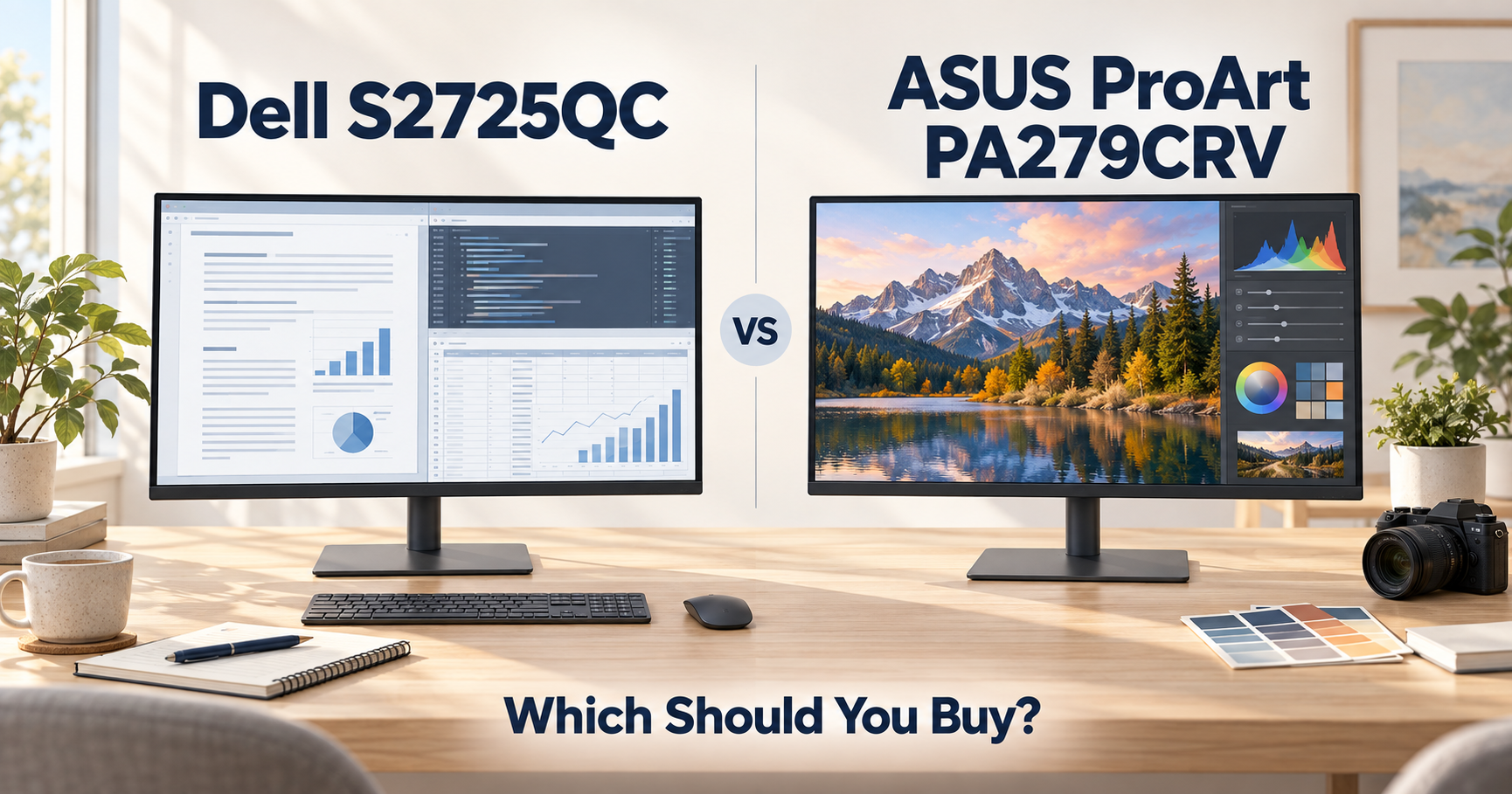
Dell S2725QC or ASUS ProArt PA279CRV?
Both are 27-inch 4K IPS monitors with USB-C connectivity, adjustable stands, and enough resolution for research papers, coding, data analysis, and everyday graduate-school work.
But they are built for different kinds of users.
Here is the short answer:
For most graduate students, get the Dell S2725QC.
For photography, video, design, scientific imaging, or any work where color accuracy matters, get the ASUS ProArt PA279CRV.
The Dell gives you a smoother 120Hz display and a lower official price.
The ASUS gives you much better color coverage, professional color calibration, more powerful USB-C charging, and stronger connectivity for a serious workstation.
If you are still comparing more models, see our best monitors for graduate students.
Quick Comparison
| Dell S2725QC | ASUS ProArt PA279CRV | |
|---|---|---|
| Screen | 27-inch IPS | 27-inch IPS |
| Resolution | 3840 × 2160 | 3840 × 2160 |
| Refresh rate | 120Hz | 60Hz |
| Color gamut | 99% sRGB | 99% DCI-P3, 99% Adobe RGB |
| Color accuracy | General-purpose | ΔE < 2, Calman Verified |
| USB-C charging | 65W | 96W |
| HDMI | 2 × HDMI 2.1 | 2 × HDMI 2.0 |
| DisplayPort | No dedicated DP input | DisplayPort 1.4 + daisy chain |
| Speakers | 2 × 5W | 2 × 2W |
| Best for | Everyday research | Color-critical work |
| Official U.S. price when checked | $329.99 | $429 |
Dell currently lists the S2725QC at $329.99 in the U.S., while ASUS lists the PA279CRV at $429. Pricing can change, especially on Amazon, so check current prices before publishing or buying.
If You Are a Typical Graduate Student
Get the Dell S2725QC.
For papers, PDFs, coding, spreadsheets, Zoom, browser tabs, and data analysis, you probably do not need a professional color monitor.
Both displays give you the same basic foundation:
27 inches.
4K resolution.
IPS panels.
Adjustable stands.
USB-C connectivity.
The Dell then adds one feature that you will notice constantly:
120Hz.
That means scrolling through papers, moving windows, browsing websites, and general desktop movement all look smoother than on a traditional 60Hz monitor.
Dell also supports 4K at 120Hz and provides 65W USB-C power delivery, which is enough for many thin-and-light laptops.
For normal graduate-school work, that makes the Dell a very easy choice.
Best choice: Dell S2725QC
If Color Accuracy Matters
Get the ASUS ProArt PA279CRV.
This is the biggest reason to spend more.
The ASUS covers:
99% DCI-P3
99% Adobe RGB
and is factory calibrated to ΔE < 2.
It is also Calman Verified.
That matters if your work involves:
- microscopy images
- medical or scientific imaging
- photography
- video editing
- graphic design
- publication figures where color matters
- creative work alongside research
The Dell covers 99% sRGB, which is perfectly good for normal office and research use, but it is not designed as a professional wide-gamut display.
If accurate color is part of your actual workflow, the ASUS makes much more sense.
Best choice: ASUS ProArt PA279CRV
If You Read Papers and Write All Day
Dell.
Color accuracy does not make text sharper.
Both monitors have a 3840 × 2160 resolution on a 27-inch panel, so both provide plenty of pixel density for reading PDFs, writing papers, coding, and viewing small interface elements.
The Dell’s advantage is its 120Hz refresh rate.
Scrolling through a long paper or moving between windows simply feels smoother.
This does not make you more productive by itself.
But it is one of those quality-of-life improvements you notice every day.
For long writing and reading sessions, I would choose the Dell.
Best choice: Dell S2725QC
If You Use a Powerful Laptop Over USB-C
ASUS has the advantage.
Dell provides up to 65W of power through its main USB-C connection.
ASUS provides up to 96W.
For a MacBook Air or many ultrabooks, 65W may already be enough.
But if you use a larger MacBook Pro or another higher-power laptop, the ASUS has more charging headroom.
That makes the PA279CRV more attractive as a true one-cable workstation.
Connect one USB-C cable and you can carry:
display,
data,
and laptop power.
If you need even more ports and peripherals, see our best docking stations for graduate students.
Best choice: ASUS ProArt PA279CRV
If You Want the Smoothest Everyday Experience
Dell.
120Hz versus 60Hz is not a subtle specification.
The Dell can run at up to 4K 120Hz, while the ASUS tops out at 60Hz.
You do not need to be a gamer to notice the difference.
Higher refresh rates improve the feel of:
scrolling,
window movement,
cursor movement,
browser navigation,
and general desktop animation.
For someone who spends eight hours a day in front of a monitor, I would value 120Hz quite highly.
The ASUS sacrifices that smoothness in exchange for professional color performance.
Best choice: Dell S2725QC
If You Build a Multi-Monitor Workstation
ASUS.
The ProArt includes DisplayPort 1.4 connectivity and supports DisplayPort daisy chaining.
That can make it easier to build a more advanced multi-display desk setup.
It also includes:
two DisplayPort 1.4 connections,
two HDMI 2.0 ports,
USB-C,
three USB-A ports,
and another USB-C hub connection.
The Dell has two HDMI connections plus USB-C and a smaller USB hub.
For a simple laptop + monitor desk, Dell is fine.
For a workstation that may grow over time, ASUS is more flexible.
You can also pair either display with one of our best laptop stands for graduate students to create a cleaner desk setup.
Best choice: ASUS ProArt PA279CRV
What About Built-In Speakers?
Dell wins.
Dell includes two 5W speakers.
ASUS includes two 2W speakers.
Neither monitor should replace good headphones or dedicated desktop speakers.
But if you watch lectures, join casual video calls, or play background music without headphones, the Dell’s stronger built-in speakers are useful.
Best choice: Dell S2725QC
What About HDR?
The ASUS carries VESA DisplayHDR 400 certification.
The Dell supports HDR as well, but neither of these should be purchased primarily as a high-end HDR display.
If your priority is papers, coding, productivity, and research, HDR should be far below resolution, USB-C connectivity, ergonomics, and color accuracy on your priority list.
Which One Is Better for Data Analysis?
Usually Dell.
If “data analysis” means:
Python,
MATLAB,
Excel,
R,
Jupyter,
large spreadsheets,
plots,
and dashboards,
the Dell is more than enough.
You still get 4K resolution and an IPS panel, but you also get the smoother 120Hz experience.
Color-critical scientific visualization is different.
If the precise appearance of colors in figures or imaging data matters, the ASUS becomes more attractive because of its wider gamut and factory calibration.
So:
Normal data analysis → Dell
Color-sensitive visualization → ASUS
Which One Is Better for Photography or Video?
ASUS, easily.
This is exactly where the ProArt line makes sense.
99% DCI-P3.
99% Adobe RGB.
ΔE < 2.
Calman Verified.
DisplayHDR 400.
If you edit photos, video, figures, posters, or other visual media regularly, those features are far more meaningful than 120Hz.
Best choice: ASUS ProArt PA279CRV
Which One Is Better Value?
Dell for most people.
At the official U.S. prices checked for this comparison, the Dell was about $100 cheaper.
Dell: $329.99
ASUS: $429
The question is simple:
Will you actually use the ProArt’s professional color features?
If not, spend less and get the Dell.
You still receive:
4K,
IPS,
120Hz,
USB-C,
65W charging,
an adjustable stand,
and built-in speakers.
That is already an excellent research monitor.
The Easiest Way to Decide
| Your situation | Buy this |
|---|---|
| General graduate-school work | Dell S2725QC |
| Papers and coding | Dell S2725QC |
| I want 120Hz | Dell S2725QC |
| I want the lower price | Dell S2725QC |
| Photography | ASUS ProArt PA279CRV |
| Video editing | ASUS ProArt PA279CRV |
| Color-critical research | ASUS ProArt PA279CRV |
| I need Adobe RGB / DCI-P3 | ASUS ProArt PA279CRV |
| I want stronger USB-C charging | ASUS ProArt PA279CRV |
| I want DisplayPort daisy chaining | ASUS ProArt PA279CRV |
| Normal data analysis | Dell S2725QC |
| Scientific imaging | ASUS ProArt PA279CRV |
So, Which Should You Buy?
Buy the Dell S2725QC if:
You mainly read papers, write, code, browse, or analyze data.
You prefer a smoother 120Hz display.
You do not need professional color accuracy.
You want to spend less.
You want a simple USB-C monitor for everyday work.
Buy the ASUS ProArt PA279CRV if:
Your work depends on accurate colors.
You edit photos or video.
You work with scientific or medical imaging.
You want 96W USB-C charging.
You want more advanced connectivity.
You expect to build a more complex workstation.
Final Thoughts
The Dell S2725QC is the better monitor for most graduate students.
It gives you the things you are likely to notice every day:
4K resolution,
a 27-inch IPS panel,
120Hz,
USB-C,
and a lower price.
The ASUS ProArt PA279CRV is the better specialized monitor.
Its extra cost makes sense when color accuracy, wide-gamut coverage, stronger USB-C charging, or workstation connectivity actually matters.
So the simplest answer is:
Normal research and productivity → Dell S2725QC.
Color-critical or creative work → ASUS ProArt PA279CRV.
Still comparing monitors?
See our best monitors for graduate students.
If your laptop needs more connectivity than either monitor provides, see our best docking stations for graduate students.

