
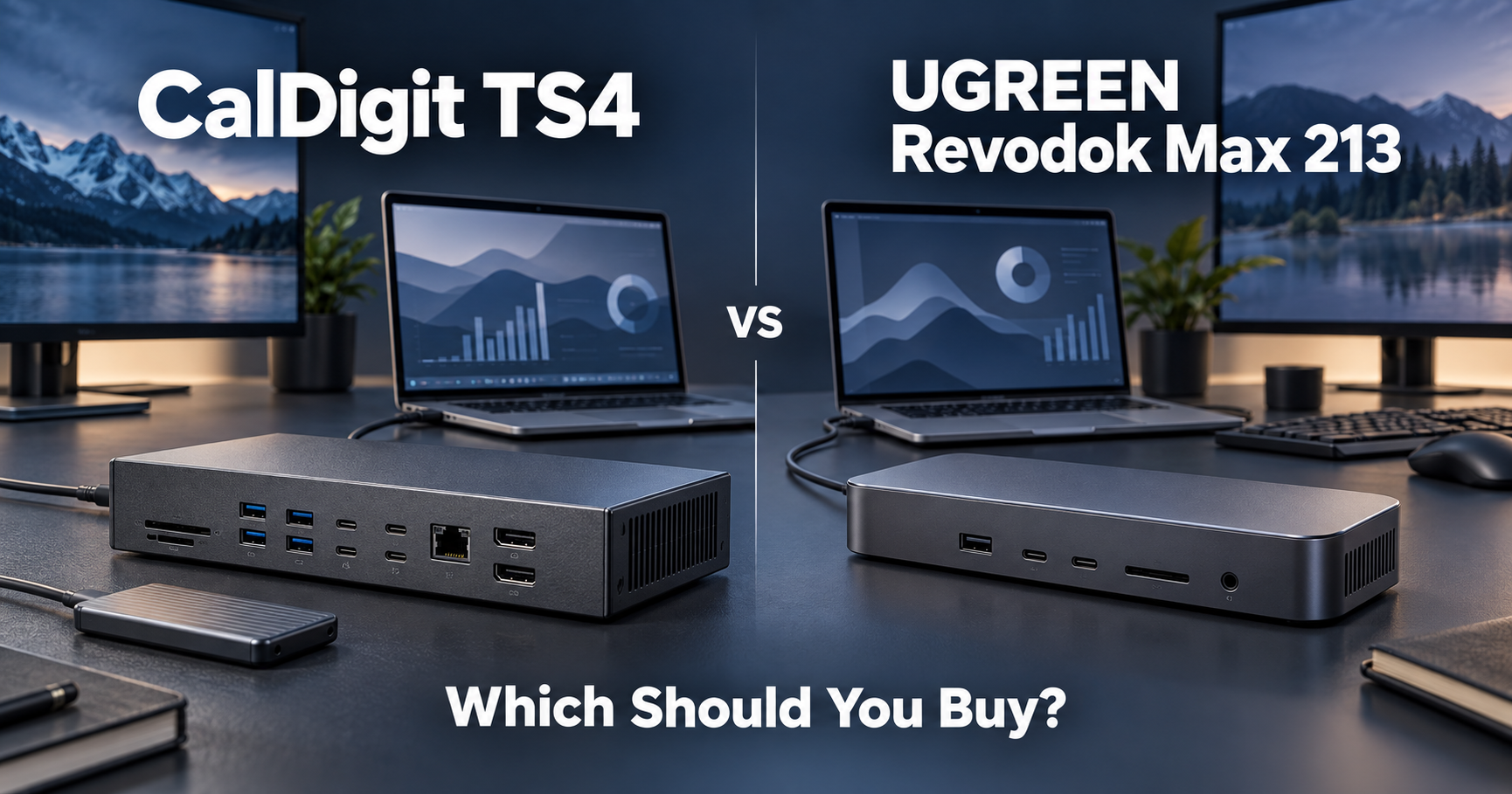
CalDigit TS4 or UGREEN Revodok Max 213?
Both are premium Thunderbolt 4 docking stations.
Both can turn one laptop cable into a full desk setup with monitors, storage, Ethernet, charging, and USB accessories.
But they are aimed at slightly different people.
Here is the short answer:
Want the most ports and a dock you are unlikely to outgrow? Get the CalDigit TS4.
Want most of the same important features for much less money? Get the UGREEN Revodok Max 213.
For many graduate students, the UGREEN is enough.
For a more demanding workstation, the TS4 is easier to justify.
If you are still comparing more options, see our best docking stations for graduate students.
Quick Comparison
| CalDigit TS4 | UGREEN Revodok Max 213 | |
|---|---|---|
| Best for | Large, permanent workstations | Value-focused setups |
| Total ports | 18 | 13 |
| Thunderbolt | Thunderbolt 4 | Thunderbolt 4 |
| Laptop charging | Up to 98W | Up to 90W |
| Ethernet | 2.5GbE | 2.5GbE |
| SD card reader | Yes | Yes |
| microSD / TF | Yes | Yes |
| DisplayPort | DP 1.4 | DP 1.4 |
| Dual 4K support | Yes on compatible systems | Yes on compatible systems |
| USB ports | More | Fewer |
| Amazon price when checked | $379.99 | $239.99 |
The TS4 provides 18 ports, up to 98W host charging, 2.5Gb Ethernet, DisplayPort 1.4, SD and microSD readers, and eight USB ports.
The Revodok Max 213 provides 13 ports, up to 90W laptop charging, two downstream Thunderbolt 4 data ports, 2.5Gb Ethernet, SD/TF card reading, and support for dual 4K displays on compatible systems.
If You Want the Most Ports
Get the CalDigit TS4.
This is the easiest difference to understand.
TS4:
18 ports
UGREEN:
13 ports
Five extra ports may not sound important until your desk starts filling up.
A graduate-student workstation might include:
- monitor
- keyboard
- mouse
- webcam
- microphone
- external SSD
- Ethernet
- phone charging cable
- SD card
- another USB device
Suddenly, 18 ports do not seem ridiculous.
The TS4 includes five 10Gbps USB-A ports and three 10Gbps USB-C ports in addition to its Thunderbolt connectivity.
If you regularly connect a lot of equipment, it gives you more room to expand.
Best choice: CalDigit TS4
If You Want the Better Value
Get the UGREEN Revodok Max 213.
When we checked Amazon.com:
CalDigit TS4: $379.99
UGREEN Revodok Max 213: $239.99
That is about a $140 difference.
And the UGREEN still gives you the features most students actually care about:
- Thunderbolt 4
- up to 90W laptop charging
- 2.5Gb Ethernet
- DisplayPort
- SD and TF card readers
- USB-A
- USB-C
- dual-monitor support on compatible systems
UGREEN also includes a 180W power adapter and supports dual 4K at 60Hz or a single higher-resolution display depending on the host system.
So if your desk setup is relatively normal, the extra $140 may be difficult to justify.
Best choice: UGREEN Revodok Max 213
If You Use Lots of External Storage
CalDigit has the advantage.
This is where the extra ports start to matter.
Maybe you have:
one external SSD for research data,
another drive for backups,
an SD card from a camera,
and a phone or tablet connected at the same time.
The TS4 gives you more high-speed USB connections, and all eight of its USB ports support up to 10Gbps.
That makes it easier to leave several devices permanently connected.
If external storage is important to your workflow, see our best external SSDs for graduate students.
Best choice: CalDigit TS4
If You Just Want Two Monitors
UGREEN is probably enough.
You do not need 18 ports just to connect two monitors.
The Revodok Max 213 supports dual 4K 60Hz displays on compatible macOS and Windows systems.
That is already more than enough for many graduate students.
For example:
Monitor 1:
paper, PDF, or code.
Monitor 2:
data analysis, notes, email, or reference manager.
Unless you also need a large number of USB devices, the UGREEN can build a very capable dual-monitor workstation.
If you are still choosing the displays themselves, see our best monitors for graduate students.
Best choice: UGREEN Revodok Max 213
If You Want Maximum Laptop Charging
Slight advantage to CalDigit.
TS4:
up to 98W
UGREEN:
up to 90W
The difference is only 8W.
For many laptops, that will not matter at all.
Both are powerful enough to charge a wide range of thin-and-light laptops while you work.
If your laptop normally charges at 65W, for example, either dock is more than enough.
So I would not pay $140 more just for this difference.
Best choice: CalDigit on paper
Real-world difference for most students: Small
If You Want a Cleaner Permanent Desk Setup
CalDigit TS4.
The TS4 is very clearly designed to become the center of a large desktop workstation.
It can sit vertically or horizontally, and its host connection is on the rear, helping keep the main laptop cable away from the front of the desk.
That matters more than it sounds.
A dock is something you may look at every day for years.
If you have:
two monitors,
several drives,
Ethernet,
audio equipment,
and multiple USB accessories,
the TS4 starts to make more sense.
Pairing it with one of the best laptop stands for graduate students can create a very clean one-cable desk setup.
Best choice: CalDigit TS4
If Your Setup Is Simple
Get the UGREEN.
Suppose your desk has:
- two monitors
- keyboard
- mouse
- one SSD
- Ethernet
- laptop charger
You do not need 18 ports.
The UGREEN already covers that kind of workstation comfortably.
This is the key question:
Are you paying for ports you will actually use?
If the answer is no, save the money.
Best choice: UGREEN Revodok Max 213
What About Ethernet?
Tie.
Both include 2.5 Gigabit Ethernet.
That is faster than standard 1Gb Ethernet.
Of course, your router, switch, university network, or NAS also needs to support higher speeds to benefit from it.
For normal internet browsing, the difference probably does not matter.
For large research datasets or network storage, it can.
Best choice: Either
What About SD Cards?
Basically a tie.
Both provide full-size SD and smaller microSD/TF card support.
That can be useful for:
- cameras
- embedded systems
- measurement equipment
- field research
- moving photos or video files
Again, this is not a reason to choose one over the other.
Best choice: Either
Which One Is Better for a Graduate Student?
For most graduate students?
UGREEN.
Not because the TS4 is worse.
The TS4 is clearly the more expandable dock.
But most students probably do not need 18 ports.
The Revodok Max 213 already provides Thunderbolt 4, dual-monitor support, 90W charging, fast Ethernet, card readers, and plenty of USB connectivity.
And when we checked Amazon, it cost around $140 less.
That money could go toward:
a better monitor,
an external SSD,
a keyboard,
or something else you will actually use.
Which One Is Better for a Serious Research Workstation?
CalDigit TS4.
If your laptop is effectively your main computer and your desk includes a lot of equipment, the TS4 is easier to justify.
You are paying for:
more ports,
more USB connectivity,
slightly higher charging power,
and more room for future devices.
The advantage becomes larger when you keep the same dock for several years.
The Easiest Way to Decide
| Your situation | Buy this |
|---|---|
| I want the most ports | CalDigit TS4 |
| I want the better value | UGREEN Revodok Max 213 |
| I use many external drives | CalDigit TS4 |
| I just need two monitors | UGREEN Revodok Max 213 |
| I have lots of USB accessories | CalDigit TS4 |
| My desk setup is simple | UGREEN Revodok Max 213 |
| I want 2.5Gb Ethernet | Either |
| I want SD + microSD | Either |
| I want maximum charging | CalDigit TS4, slightly |
| I want to spend under $250 | UGREEN Revodok Max 213 |
| I want a dock I am unlikely to outgrow | CalDigit TS4 |
So, Which Should You Buy?
Here is the simple answer.
Buy the CalDigit TS4 if:
You connect a lot of devices.
You use multiple external drives.
You want as many high-speed USB ports as possible.
You are building a permanent high-end workstation.
You want a dock you are unlikely to outgrow.
Buy the UGREEN Revodok Max 213 if:
You want to spend less.
You mainly need monitors, storage, Ethernet, and normal USB accessories.
You still want Thunderbolt 4.
You want strong charging without paying for ports you may never use.
Final Thoughts
The CalDigit TS4 is the better everything dock.
The UGREEN Revodok Max 213 is the better value dock.
That is the easiest way to think about it.
If your desk is already full of devices—or probably will be in the future—the TS4 makes sense.
If you just want to connect your laptop to a complete desktop setup without spending nearly $400, the UGREEN is probably enough.
For most graduate students:
UGREEN saves money without giving up the important features.
For more demanding setups:
CalDigit gives you more room to grow.
Still comparing options?
See our best docking stations for graduate students or our best USB-C hubs for graduate students if you need something smaller and cheaper.