
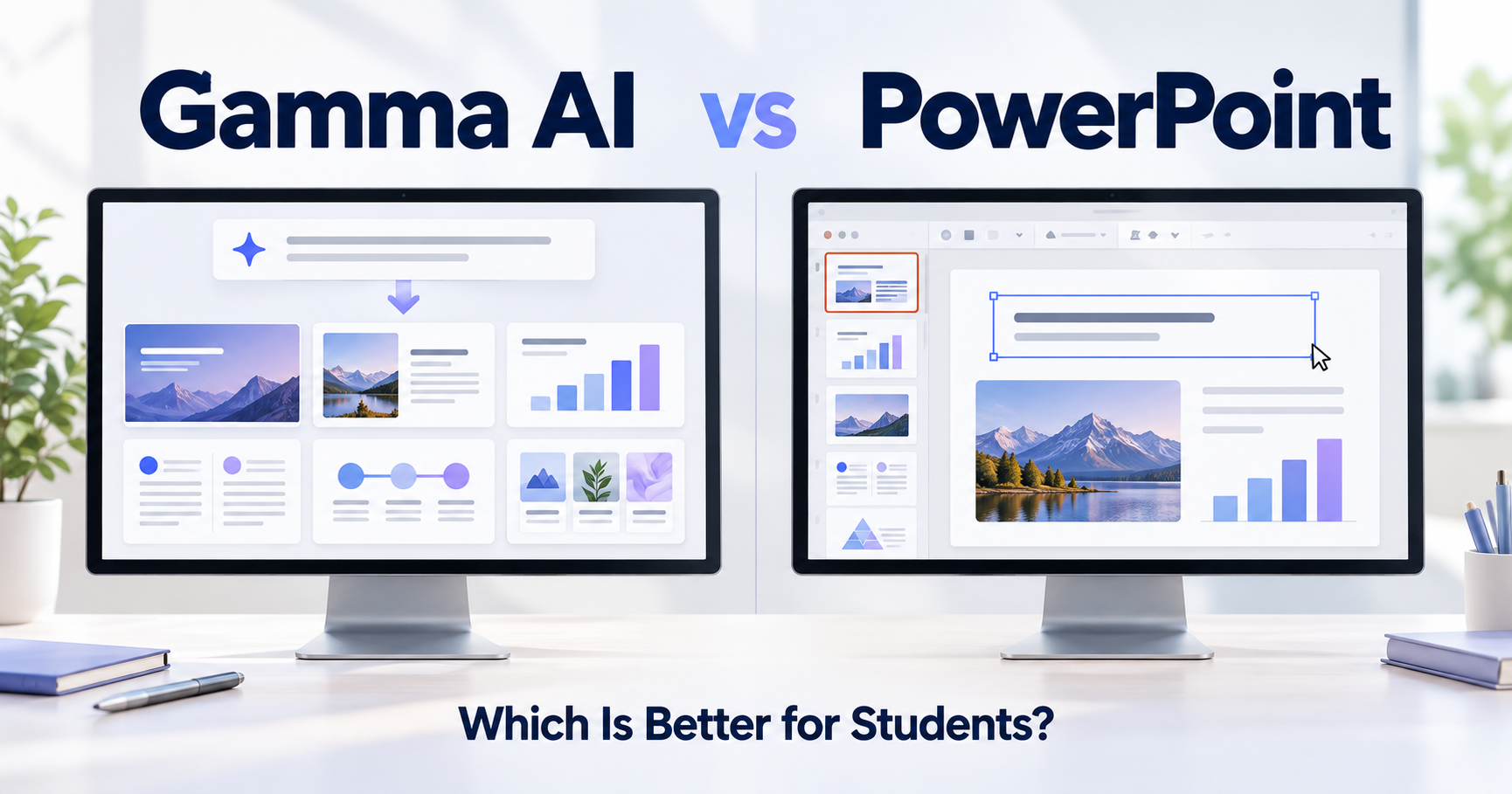
Gamma AI or PowerPoint?
If you just need to make slides, both can do the job.
But they feel very different.
Gamma is better at getting you from nothing to a good-looking first draft fast.
PowerPoint is better when you want full control over the final presentation.
For many students, the best workflow is actually:
Gamma first. PowerPoint second.
Here is the simple version.
Quick Answer
| Your situation | Better choice |
|---|---|
| I need slides fast | Gamma |
| I hate designing slides | Gamma |
| I have a university template | PowerPoint |
| I need exact formatting | PowerPoint |
| I want AI to create the first draft | Gamma |
| I already use Microsoft 365 Copilot | PowerPoint can also work well |
| I want to finish the deck manually | PowerPoint |
| I want the easiest overall workflow | Gamma → PowerPoint |
If you are completely new to Gamma, start with what Gamma AI is and how it works.
If You Need Slides Fast
Use Gamma.
This is where Gamma makes the most sense.
You open Gamma.
You type something like:
Create an 8-slide presentation about renewable energy for university students.
Gamma creates the structure, text, design, and visuals for you.
You are no longer staring at a blank slide.
You are editing something that already exists.
Gamma currently lets you start by generating from a topic, pasting text you already wrote, or importing existing files.
For a student with a presentation due tomorrow, that is a very different experience from starting from scratch.
Best choice: Gamma
If You Hate Designing Slides
Use Gamma.
Maybe you know what you want to say.
You just do not know how to make it look good.
That is exactly the problem Gamma is designed to solve.
Instead of manually deciding:
Where should this image go?
How big should the title be?
Should this be two columns?
Gamma handles much of the first layout for you.
You can still change it later.
For people who are bad at slide design—or simply do not want to spend an hour moving text boxes around—Gamma is easier.
Best choice: Gamma
If You Need a Strict University Template
Use PowerPoint.
This is where PowerPoint becomes much safer.
Maybe your professor gives you a PowerPoint template.
Maybe your research lab has specific colors.
Maybe a conference provides an official slide format.
PowerPoint gives you much more direct control over themes, slide masters, layouts, fonts, and individual objects. Microsoft also supports reusable .potx templates and custom slide layouts.
Gamma can export to PowerPoint.
But if the final presentation must match a strict template exactly, it is usually easier to work in PowerPoint.
Best choice: PowerPoint
If You Want AI Inside PowerPoint
PowerPoint can do that now too.
If your Microsoft 365 plan includes Copilot, you can ask it to create a presentation from a prompt.
It can generate an outline, create slides, and help edit the deck afterward.
So why use Gamma?
Because Gamma feels more like an AI-first presentation tool.
PowerPoint feels like a traditional presentation editor with AI added to it.
That difference matters.
Gamma is very good when your starting point is:
“I have an idea. Make me something.”
PowerPoint is very good when your starting point is:
“I already have a presentation. Help me control and improve it.”
Also, Copilot is not automatically available to every PowerPoint user. Microsoft notes that access depends on your Microsoft 365 subscription and organization settings.
If You Already Wrote the Content
Gamma can still be useful.
You do not have to let AI write your academic content.
In fact, for research presentations, I often prefer the opposite approach:
You write the facts.
Gamma handles the first layout.
Gamma has a Paste mode for existing text and an Import mode for existing files.
That means you can write your research summary yourself, put it into Gamma, and let the AI turn it into a presentation.
This is much safer than blindly trusting AI to explain a technical subject you know better than it does.
If you want to see the process step by step, read my Gamma AI beginner guide.
If You Need Precise Editing
Use PowerPoint.
PowerPoint wins here.
Want to move something three pixels?
PowerPoint.
Want a very specific animation?
PowerPoint.
Want complete control over the slide master?
PowerPoint.
Want to recreate your laboratory’s exact presentation format?
PowerPoint.
Gamma gives you a lot of editing control, but PowerPoint is still the more mature tool when tiny details matter.
For a simple class presentation, you may never need that level of control.
For a thesis defense or conference presentation, you might.
Best choice: PowerPoint
Can You Start in Gamma and Finish in PowerPoint?
Yes.
And this may be the best option for students.
Gamma can export presentations as PowerPoint .pptx files. Its Free plan also supports PowerPoint export.
So your workflow can be:
Idea → Gamma → PowerPoint → Final presentation
Gamma does the boring first 70%.
PowerPoint handles the final 30%.
There are some differences after export. For example, Gamma notes that PowerPoint exports do not include a populated slide master, and font or layout behavior can vary in some cases.
So I would still check every slide after exporting.
But the basic workflow works.
This is also how I would use Gamma for a serious academic presentation.
Which One Is Better for Research Presentations?
Use both.
This is probably my favorite answer.
For research, the hardest part is not making a slide look pretty.
It is making sure the slide is correct.
Gamma can help you quickly create:
an introduction,
a structure,
a visual layout,
and an initial design.
Then you move the presentation into PowerPoint and carefully check:
your graphs,
equations,
technical terms,
references,
and formatting.
I tested Gamma myself with a technical engineering presentation, and while the design was useful, some technical content needed correction and improvement.
You can read the full experience in my Gamma review for students.
Which One Is Better for a Presentation Due Tomorrow?
Gamma.
No debate.
If it is 11 PM and you have:
a topic,
a deadline,
and zero slides,
Gamma is exactly the kind of tool you want.
Give it the topic.
Get a first draft.
Fix the information.
Export it.
Go to sleep.
Best choice: Gamma
Which One Is Better for a Thesis Defense?
PowerPoint for the final version.
A thesis defense is important enough that you probably want full control.
You may have:
complex graphs,
specific figure placement,
university branding,
animations,
equations,
citations,
and strict timing.
Gamma can still help build the first version.
But I would finish the final deck in PowerPoint.
Best workflow: Gamma → PowerPoint
What About Price?
Gamma has a Free plan.
At the moment, the Free plan can create up to 10 slides per prompt and export to PowerPoint, PDF, PNG, and Google Slides.
One important detail: Gamma says PowerPoint and PDF exports from a Free workspace include a “Made with Gamma” badge. Paid plans remove Gamma branding.
PowerPoint pricing is different because many students already receive Microsoft 365 through their university.
But having PowerPoint does not necessarily mean you also have Copilot. Copilot availability depends on your subscription or institution.
So before paying for anything, check what your university already gives you.
The Easiest Way to Decide
| If you think… | Use |
|---|---|
| “Please just make the slides for me.” | Gamma |
| “I want to control everything.” | PowerPoint |
| “Design is not my thing.” | Gamma |
| “I have an official template.” | PowerPoint |
| “I need something tonight.” | Gamma |
| “This is my thesis defense.” | Gamma first, PowerPoint last |
| “I already have Copilot in PowerPoint.” | Try PowerPoint first |
| “I want the fastest first draft possible.” | Gamma |
So, Which Should You Use?
Here is the simple answer.
Use Gamma if:
You want to make a presentation quickly.
You hate starting from a blank slide.
You want AI to handle the first design.
You care more about speed than perfect manual control.
Use PowerPoint if:
You need exact formatting.
You use an official template.
You want advanced manual editing.
You are preparing an important final presentation.
Use both if:
You want the easiest workflow.
Gamma makes the first draft.
PowerPoint makes it yours.
That is probably the best setup for many students.
Final Thoughts
Gamma is not really a replacement for PowerPoint.
It solves a different problem.
PowerPoint asks:
What do you want to put on this slide?
Gamma asks:
What presentation do you want me to create?
That is why Gamma feels so useful when you are starting from nothing.
For quick class presentations, brainstorming, and first drafts, I would start with Gamma.
For strict templates, thesis defenses, and final polishing, I would use PowerPoint.
And for many students:
Gamma first. PowerPoint second.
That is the easiest answer.
If you want to learn more before trying it, read what Gamma AI is, my Gamma AI beginner guide, or my hands-on Gamma review for students.